Free SEO Audit Tools: The Best Free Options for Every Audit Job (2027)
Compare the best free SEO audit tools for technical, local, AI and indexing checks. See each tool’s limits and follow a 60-minute workflow.
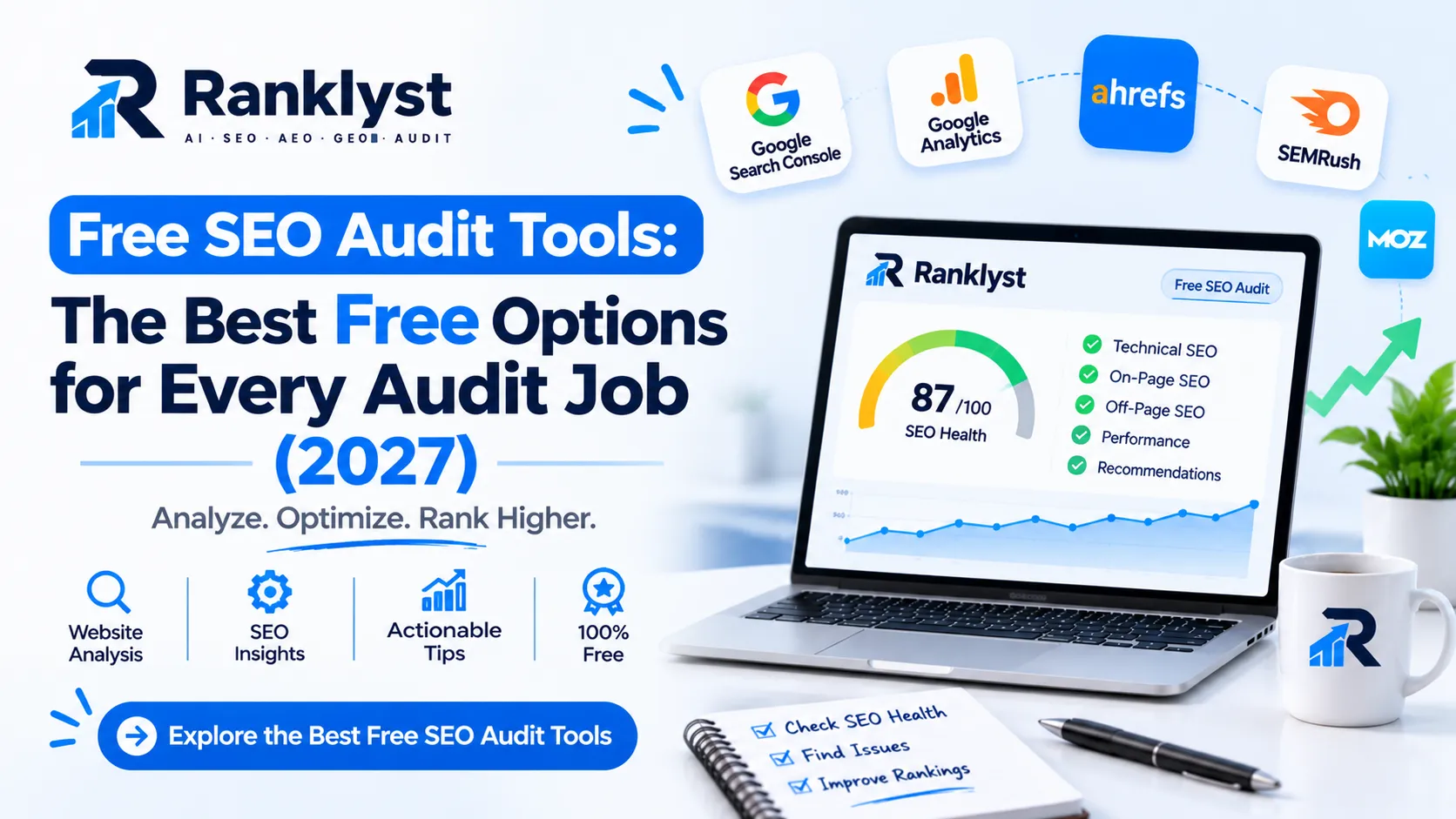
The best free SEO audit tools work as a team, not alone. Google Search Console shows what Google sees, PageSpeed Insights tests speed, a crawler such as Screaming Frog or Ahrefs Webmaster Tools finds site-wide errors, and an instant scanner gives a fast second opinion. No single free tool covers everything, and this guide shows which one to use for each job.
You will get a free SEO audit tools list with real limits, picks for technical, local, indexing and AI checks, a 60-minute workflow and a way to compare results when tools disagree. We also say plainly where free tools fall short.
Free SEO audit tools list
Tool | Best for | Limit or catch |
|---|---|---|
Indexing, queries, clicks and page experience | Only for sites you verify; no competitor data | |
Speed and Core Web Vitals for one URL | One page at a time | |
Lab tests of speed, accessibility and basic SEO | Lab data, not real-user data | |
Site crawl: status codes, titles, links, redirects | Free version crawls up to 500 URLs | |
Site audit and backlinks for your own site | Only sites you verify | |
A second view of crawling and indexing | Smaller search share | |
SEOmator free audit | Quick one-page scan with an AI visibility check and PDF export | Audits one page per run; full-site crawls need a free account |
Semrush SEO Checker | A fast health snapshot | One-off view; the full Site Audit needs an account and has free limits |
Rapid Index Checker | Checking whether many URLs are indexed | Third-party tool; free plan of about 150 checks a month |
Structured data errors | Checks markup, not content quality | |
BrightLocal free local tools | Local search checks and review link tools | Deeper local tracking is paid |
Manual AI prompt test | Whether assistants mention you | Takes time; results vary by day |
How to judge a free SEO audit tool online
Hundreds of free SEO audit tools are available on the net, and most are lead-generation tools. They give a short result for free, then offer a paid service. That is fine if you know it, but you should screen them before you trust a score.
Five questions to ask
Does it audit one page or the whole site? Page scanners miss site-wide issues.
Is the free version limited by pages, projects or days?
Does it explain each issue and how to fix it, or only show a score?
Does it need an email, an account or access to your site? Read the privacy terms first.
Does it agree with Google’s own data on the same page?
A 10-minute accuracy test
Pick one page that you know well. Run it through two or three tools. Then compare the results with Search Console and PageSpeed Insights. If a tool flags a problem that Google’s tools do not show, check it by hand before you act. If a tool misses a problem you already know about, treat its score with caution.
We based this guide on vendor pages, vendor announcements and independent reviews checked in November 2026. We do not claim hands-on testing of every tool listed, so run the accuracy test on your own site.
Free site audit tools every site should start with
These five tools form a solid core. Most are made by search engines or by crawler vendors with a long track record.
Google Search Console
The best free SEO site audit tool is still Google’s own. Search Console reports which pages Google has indexed, which it skipped and why, plus real queries and clicks. Start with the page indexing report, then use the URL Inspection tool on any page you care about.
PageSpeed Insights and Lighthouse
Run each key page through PageSpeed Insights and read the real-user data first. Use Lighthouse in Chrome to test pages before launch. Google explains the three metrics in its Core Web Vitals guide: loading, interaction and layout stability.
Screaming Frog SEO Spider (free version)
This desktop crawler checks up to 500 URLs for free. It finds broken links, redirect chains, missing or duplicate titles and pages without headings. For most small sites, 500 URLs covers the whole site.
Ahrefs Webmaster Tools
It gives site owners a free site audit with a large set of checks, plus backlink data, for sites they verify. You can also schedule repeat crawls and compare results over time, which is useful for tracking progress.
Bing Webmaster Tools
Add your site once, and you get a second report on crawling and indexing. You can import your site from Search Console to save time.
Practitioner tip: Set up Search Console and Ahrefs Webmaster Tools on day one, even if you do not need them yet. Both need time to collect history, and a baseline from today makes every later audit more useful.
Free SEO audit tools online: instant scanners
Instant scanners test one URL and return a score in under a minute. They suit a quick look, a client pitch or a second opinion.
SEOmator free audit. Its own page says it runs 172 on-page checks across 16 categories, adds Lighthouse scores, includes an AI visibility check and exports a PDF, with no signup for the one-page audit. It audits one page per run, so use it on your most important pages. A free account adds full-site crawls and history.
Semrush SEO Checker. A free snapshot of a site’s SEO health. The deeper Site Audit crawl needs an account and has free limits.
Rank Math SEO Analyzer. It produces a free report you can save as a PDF. It is made by a WordPress plugin company, so check how well its advice fits your platform.
The HOTH SEO audit tool. It analyzes a page and can compare competitor URLs. It is also a lead-generation tool for a paid service.
Scanners share three weaknesses. They judge one page, not the whole site. They may count harmless items as errors. And a high score can hide a serious problem, such as a key page set to noindex. Use them to find leads, then confirm in Google’s tools.
Free technical SEO audit tool options
Technical SEO decides whether search engines can reach, read and trust your pages. Use this table to match each technical problem to a free tool.
Technical area | What to check | Free tool |
|---|---|---|
Crawling | robots.txt rules, sitemap, status codes, redirect chains | Screaming Frog free, Ahrefs Webmaster Tools |
Indexing | Pages indexed vs expected, noindex and canonical issues | Search Console |
Speed | Loading, interaction delay, layout shifts | PageSpeed Insights, Lighthouse |
Mobile | Same content and working forms on phones | Lighthouse, manual check on a real phone |
Structured data | Valid markup that matches visible content | |
Security | HTTPS on every page, no mixed content | Lighthouse, browser console |
A free technical audit takes time rather than money. A small site usually needs about an hour. A large store may need a paid crawler, because the free limit of 500 URLs ends quickly.
Free SEO analysis tools and index checkers
Indexing is the most common blocker for new sites. A page that is not indexed cannot rank, so a good audit starts here.
What Search Console tells you
The URL Inspection tool shows whether a page is indexed, which version Google chose and any problems it found. It is the most reliable free check, but it works one URL at a time and only for your own verified site.
Where a bulk index checker helps
Rapid Index Checker is a bulk tool that checks whether many URLs appear in Google results. Its published plans include a free tier of 150 checks a month (one review notes that card verification may be required) and paid plans starting at about $12 a month. It can check URLs on sites you do not own, which helps with backlink checks. Because it is a third-party tool, confirm important results in Search Console and re-check its current limits before you rely on it. Google also warns that even “URL is on Google” does not guarantee a page appears in search results, so treat any index status as one signal.
Why isn’t my page indexed? A five-step check
Open the URL Inspection tool and note the status and reason.
Make sure the page does not have a noindex tag, and that robots.txt does not block it.
Check that the page is in your sitemap and has at least one internal link from an indexed page.
Compare the page with others on your site. Thin, duplicate or very similar pages are often skipped.
Improve the page, link to it from a strong page, and wait. Do not submit it again and again.
Common mistake: Paying for “instant indexing” services. No tool can force Google to index a page. Fix the cause, such as weak content or blocked access, and indexing usually follows.
Free local SEO audit tool options
A local audit focuses on your Google Business Profile, your listings and your local pages. Free tools cover the basics well.
Google Business Profile. Check categories, services, hours, photos and reviews inside your own profile. Google’s Business Profile Help explains each field.
Search Console. Filter queries by your city or service area to see which local searches already bring clicks.
BrightLocal free tools. BrightLocal offers free tools to check local search results and create review links. Its deeper audits and citation tracking are part of its paid platform.
Free Google Business Profile audit tools. Several agencies offer free profile scorers. Most are lead-generation tools. Use them as a checklist, not as a ranking prediction.
A simple name, address and phone sheet. List how your business appears on your site and on each listing. Fix any differences.
Free tools cannot show map rankings across a whole city grid or track competitors over time. If local calls matter most to your business, those features are the first reason to pay later.
Free AI SEO audit tool options
An AI SEO audit asks a new question: can AI assistants find, understand and cite your pages? Free options are limited, but a few checks cost nothing.
Free checks you can do today
Open your robots.txt file and look for rules that block AI crawlers or a catch-all rule that blocks every bot.
Check your firewall or CDN settings for bot rules that may turn away crawlers you want to allow.
Test your key pages with the Rich Results Test and confirm that your structured data matches visible content.
Write 10 to 15 questions a customer might ask. Ask them in two or three AI assistants and record whether your business appears and which sources are cited.
Repeat monthly with the same wording and compare the results.
Tools that help
SEOmator lists an AI visibility check in its free audit. Some paid platforms also track AI visibility, but their plans and limits change often, so check them before you pay.
Ranklyst is not free, and we say so up front. A Ranklyst audit costs $2 one-time with no sign-up. It reads your robots.txt, reviews up to 12 key pages with about 30 checks and returns SEO, AEO and GEO scores with a ranked fix list. You can run the same checks by hand with the free steps above. If you prefer a single report, see the Ranklyst SEO audit, the AI crawler checker and the AI mention checker. To learn what each score means, read our guides to AEO audits and GEO audits. You can also test your markup with the schema markup checker.
No tool can guarantee a mention in an AI answer. Open access, clear pages and accurate details improve your chances. Nothing more can be promised.
Free SEO report tools: from findings to a report
Audit tools give data. A report turns that data into decisions. For a simple report, export your crawl, copy key numbers from Search Console and PageSpeed Insights, and write each finding in a short, repeatable format. Our SEO audit report template includes a ready structure, severity levels and a worked example.
Free tools can help with the report itself:
Search Console lets you export performance data to a spreadsheet.
Screaming Frog exports crawl tables you can filter and share.
Ahrefs Webmaster Tools can compare crawls over time, which shows progress between audits.
A spreadsheet or document works well for the findings table and action plan.
Free SEO audit tool Reddit threads: how to use them well
Reddit helps you see which free tools real users like, and which limits annoy them. But Reddit is opinion, not proof. Use it like this:
Search for the tool name plus words like “limit,” “accuracy” or “worth it.”
Sort by newest. Tool limits change fast, so old threads can mislead you.
Look for comments that mention site size and platform, because a tool that suits a 20-page blog may fail on a store.
Ignore posts that read like adverts or that link to one tool without detail.
Confirm every claim on the vendor’s own page or by testing the tool yourself.
If you join a discussion, follow the subreddit’s rules on self-promotion, and add real value before you mention your own work.
Which free SEO audit tool should you use?
Your situation | Start with | Add next |
|---|---|---|
New blog or small site | Search Console, PageSpeed Insights, Ahrefs Webmaster Tools | Screaming Frog free once you have 20+ pages |
WordPress site | Search Console, Rank Math or Yoast checks, PageSpeed Insights | Screaming Frog free for a full crawl |
Local business | Google Business Profile, Search Console | BrightLocal free tools, manual listing sheet |
Small online store | Search Console, Rich Results Test, Screaming Frog free | A paid crawler if you pass 500 URLs |
Developer or technical founder | Lighthouse, Screaming Frog free, Search Console | Automated checks in your release process |
Freelancer or agency | Search Console, instant scanners for quick pitches | A paid platform for multi-client reporting |
A 60-minute free audit workflow
Check indexing (10 minutes). Review the page indexing report in Search Console. Note excluded pages and reasons.
Crawl the site (10 minutes). Run Screaming Frog free or the Ahrefs site audit. Export broken links, redirects and missing titles.
Test speed (10 minutes). Run your five key pages through PageSpeed Insights and record the main bottleneck on each.
Scan key pages (10 minutes). Run your top two pages through one instant scanner and compare with the crawl.
Check structured data and AI access (10 minutes). Use the Rich Results Test and review robots.txt rules by hand.
Check local details (5 minutes). Confirm business name, address, phone and categories match everywhere.
Write the report (5 minutes). List the top five fixes by severity, with an owner and a date.
How to compare results when tools disagree
Different tools often report different problems. Use this order of trust:
First: Google’s data. Search Console and PageSpeed Insights report what Google sees.
Second: crawl facts. Status codes, redirects and missing tags are facts you can verify in a browser.
Third: scores and grades. Each vendor invents its own scale, so compare issues, not numbers.
When two tools disagree on the same issue, open the page and check by hand. The truth is usually clear in a minute.
What free SEO audit tools cannot do
Judge your content. A tool can count words. It cannot tell whether your page is the best answer to a question.
Show competitor data in depth. Free plans give samples, not full competitor pictures.
Track rankings at scale. Daily keyword tracking by location usually needs a paid plan.
Replace expertise. A list of 80 issues needs someone who can rank them.
When you reach one of these limits, compare paid options in our guide to the best SEO tools for small businesses. For a wider list of no-cost options beyond audits, read our guide to free SEO tools online.
Mistakes people make with free SEO audit tools
Trusting one scan. Cross-check with Google’s own tools.
Fixing by score. Fix what blocks users and indexing first.
Pasting your email everywhere. Many free scanners exist to collect leads. Use a separate email if you are unsure.
Using tools that need broad access. Do not give admin or hosting access to a free scanner.
Never re-auditing. Run a light check monthly and a full one each quarter.
Auditing without a plan. Every finding needs an owner and a date.
Frequently asked questions
Q: What are the best free SEO audit tools?
Start with Google Search Console, PageSpeed Insights, Screaming Frog free and Ahrefs Webmaster Tools. Add an instant scanner such as SEOmator for a quick second opinion.
Q: Is there a free SEO audit tool online without signup?
Yes. SEOmator’s one-page audit runs without an account, according to its own page. Search Console, Ahrefs Webmaster Tools and most deeper tools need a free account and site verification, and limits change often.
Q: What is the best free technical SEO audit tool?
Use Search Console for indexing, PageSpeed Insights for speed and Screaming Frog Free for a site crawl. Together, they cover most technical checks for small sites.
Q: Which free tool checks whether my pages are indexed?
The Search Console URL Inspection tool is the most reliable. A bulk checker such as Rapid Index Checker helps when you need to check many URLs, but confirm important pages in Search Console.
Q: What is a free local SEO audit tool?
Your Google Business Profile, Search Console and a name-address-phone sheet cover the basics. BrightLocal also offers free local tools, and several agencies offer free profile scorers.
Q: Is there a free AI SEO audit tool?
You can check robots.txt, structured data and AI answers by hand for free. Some scanners include an AI visibility check. Ranklyst offers a low-cost $2 audit that covers these checks in one report.
Q: Are free SEO audit tools accurate?
They are accurate for facts such as status codes and missing tags. Scores and advice vary by vendor, so confirm important findings in Google’s own tools.
Q: How long does a free SEO audit take?
A small site takes about 60 minutes with the workflow above. Larger sites take longer.
Q: How often should I run an SEO audit?
Run a light check monthly, a full audit every quarter and an extra one after any redesign or traffic drop.
Q: Can free SEO audit tools replace paid ones?
For small sites, mostly yes. Paid tools help most with competitor data, large crawls and tracking rankings at scale.
Conclusion
The best free SEO audit tools are the ones that answer a clear question. Use Search Console for indexing, PageSpeed Insights for speed, a crawler for site-wide errors and one scanner for a second opinion. Add local and AI checks if they matter to your business, then write the findings down and fix them in order.